Adding NFT Metadata and Images
Step 1: Upload Your Image to IPFS
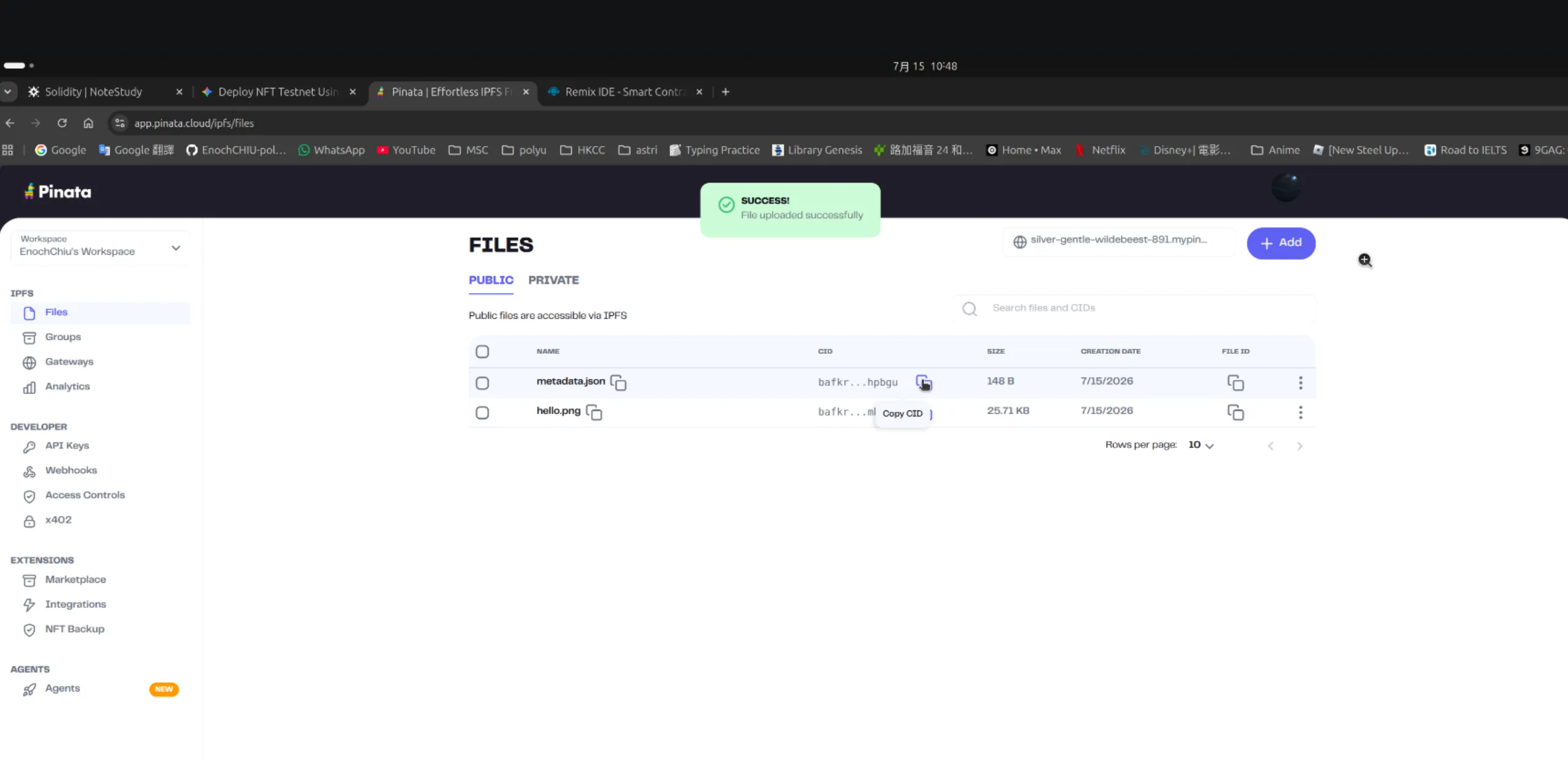
Section titled “Step 1: Upload Your Image to IPFS”You need a place to host your image so it can’t be deleted. Pinata is the easiest free tool for this.
- Go to Pinata.cloud and create a free account.
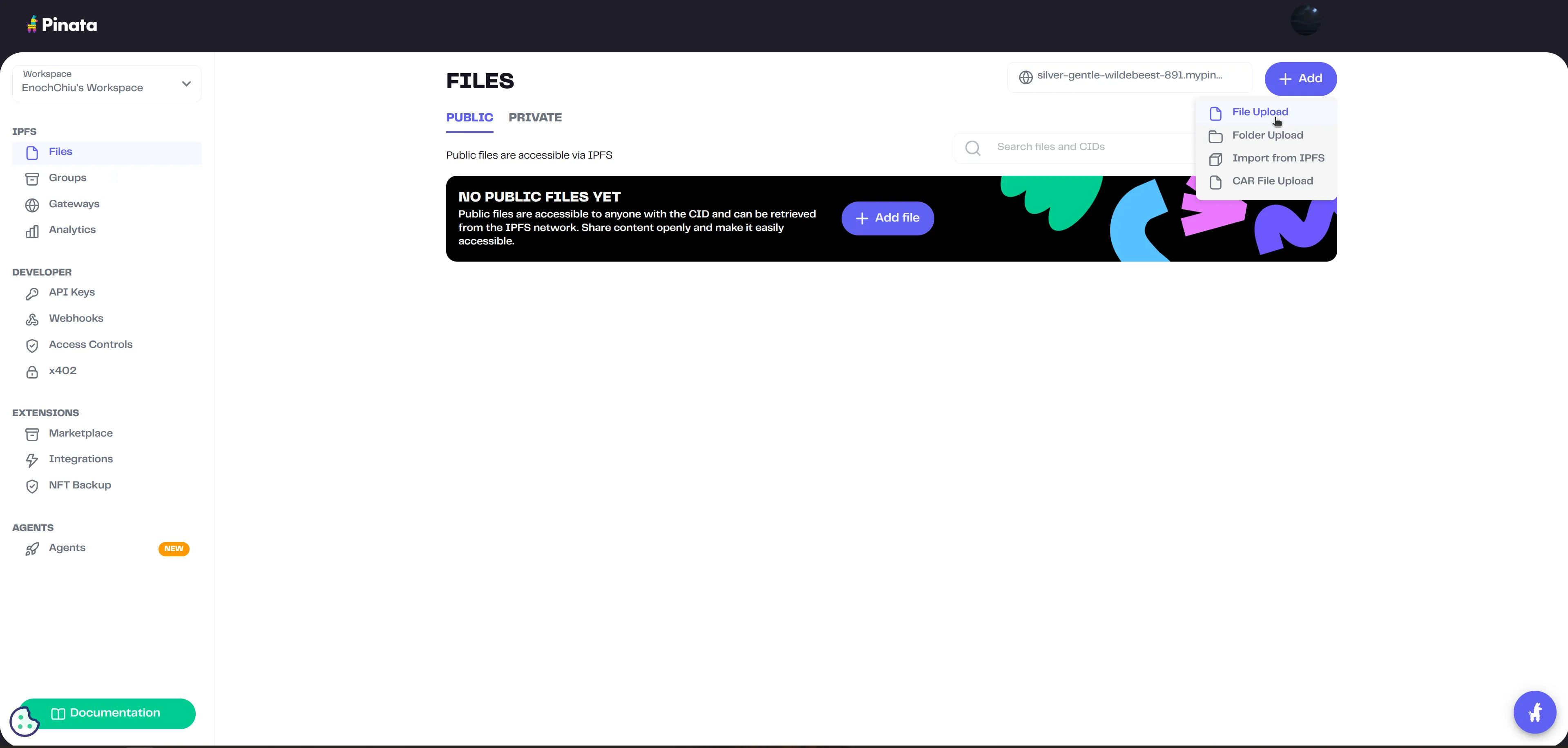
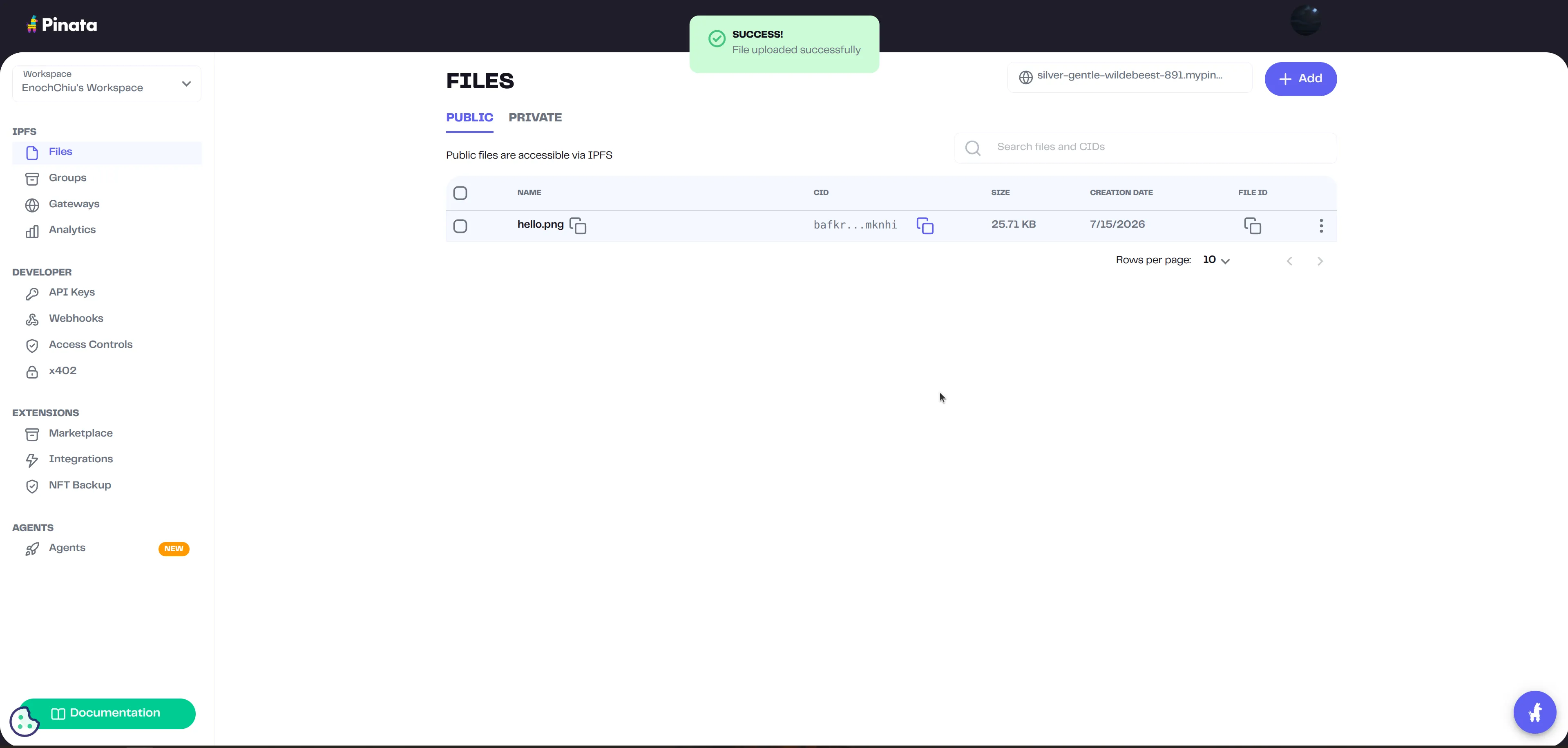
- Click Add Files -> File and upload your NFT image (e.g., `my-cool-art.png`).
- Once uploaded, Pinata will give you a CID (Content Identifier). It looks like a long string of random letters and numbers.
- Copy that CID. Your image’s IPFS link is now:
https://ipfs.io/ipfs/YOUR_IMAGE_CID
Step 2: Create the Metadata JSON File
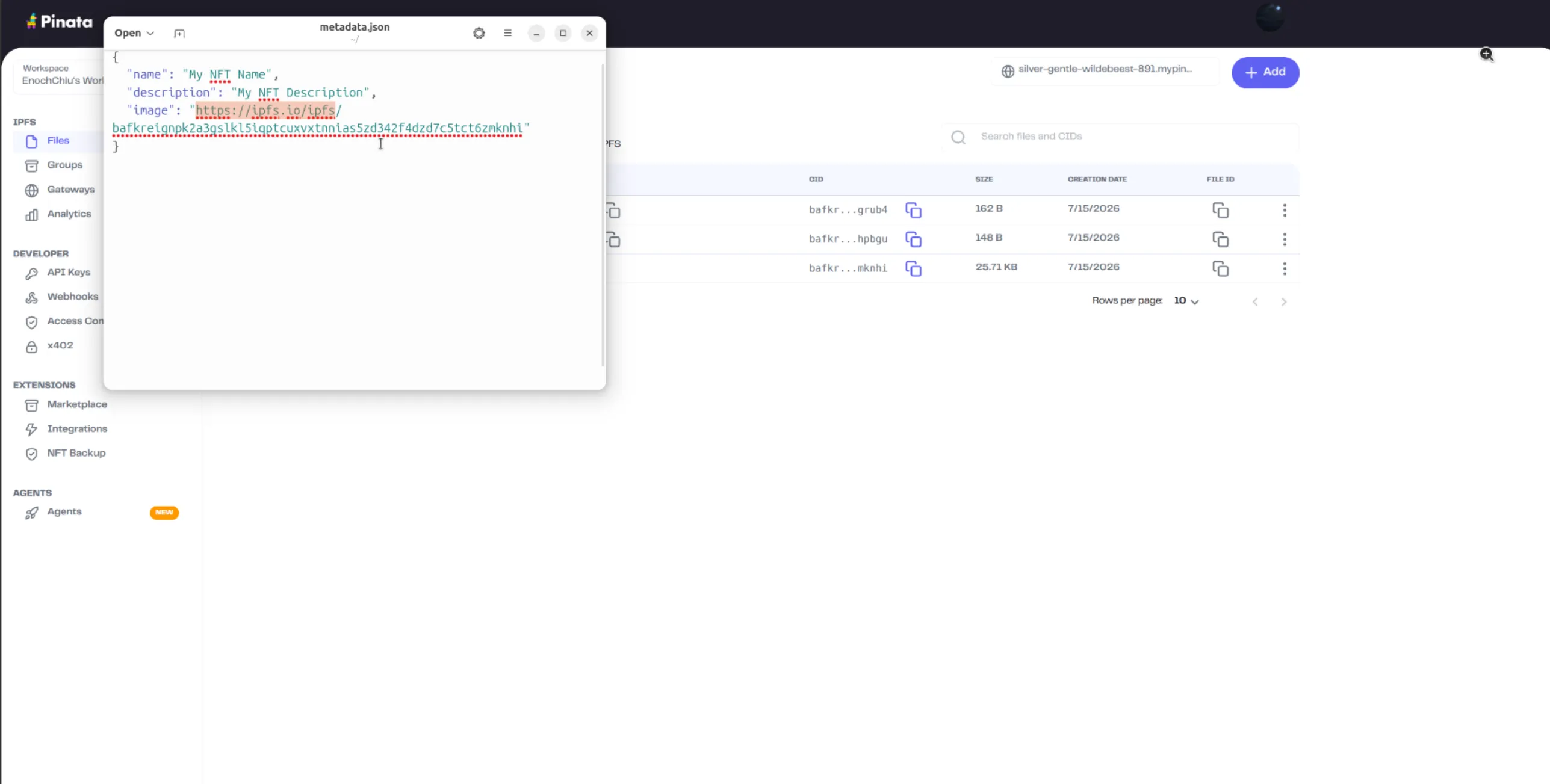
Section titled “Step 2: Create the Metadata JSON File”NFT marketplaces (like OpenSea) look for a specific JSON format to read your image, name, and description.
- Open a simple text editor (like Notepad or VS Code).
- Paste the following JSON format and customize it:
{ "name": "My Epic Testnet NFT", "description": "This is my very first NFT with an image!", "image": "https://ipfs.io/ipfs/YOUR_IMAGE_CID",}- Save this file on your computer as `metadata.json`.
Step 3: Upload the JSON to IPFS
Section titled “Step 3: Upload the JSON to IPFS”- Go back to Pinata.
- Upload your `metadata.json` file exactly like you did the image.
- Pinata will give you a new CID for this JSON file.
- Copy this new CID. The link to your metadata is
https://ipfs.io/ipfs/YOUR_JSON_CID
Step 4: Update Your Smart Contract in Remix
Section titled “Step 4: Update Your Smart Contract in Remix”To allow your contract to store these URIs, you need to use an OpenZeppelin extension called `ERC721URIStorage`.
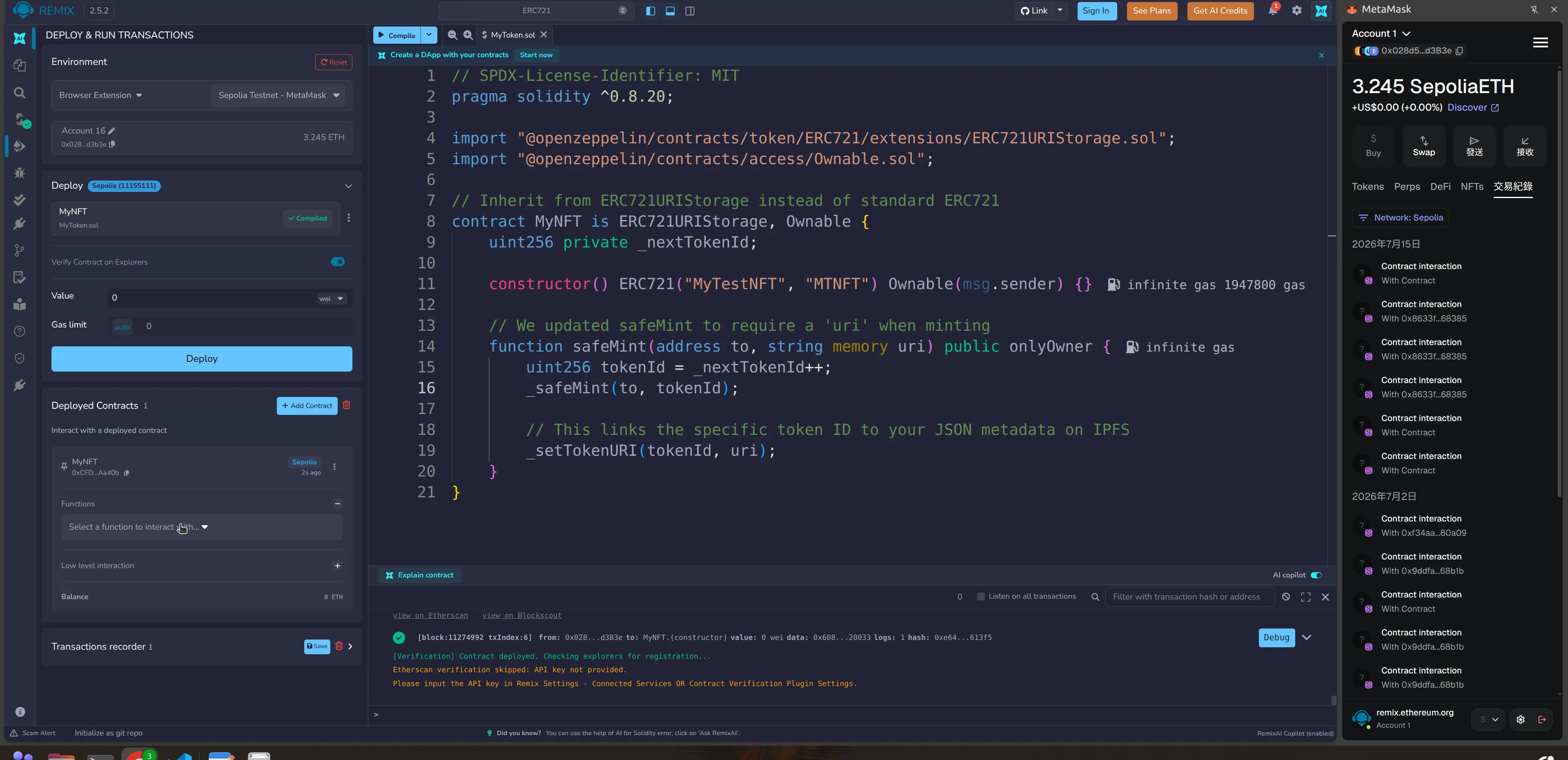
Go back to Remix and update your code to look like this:
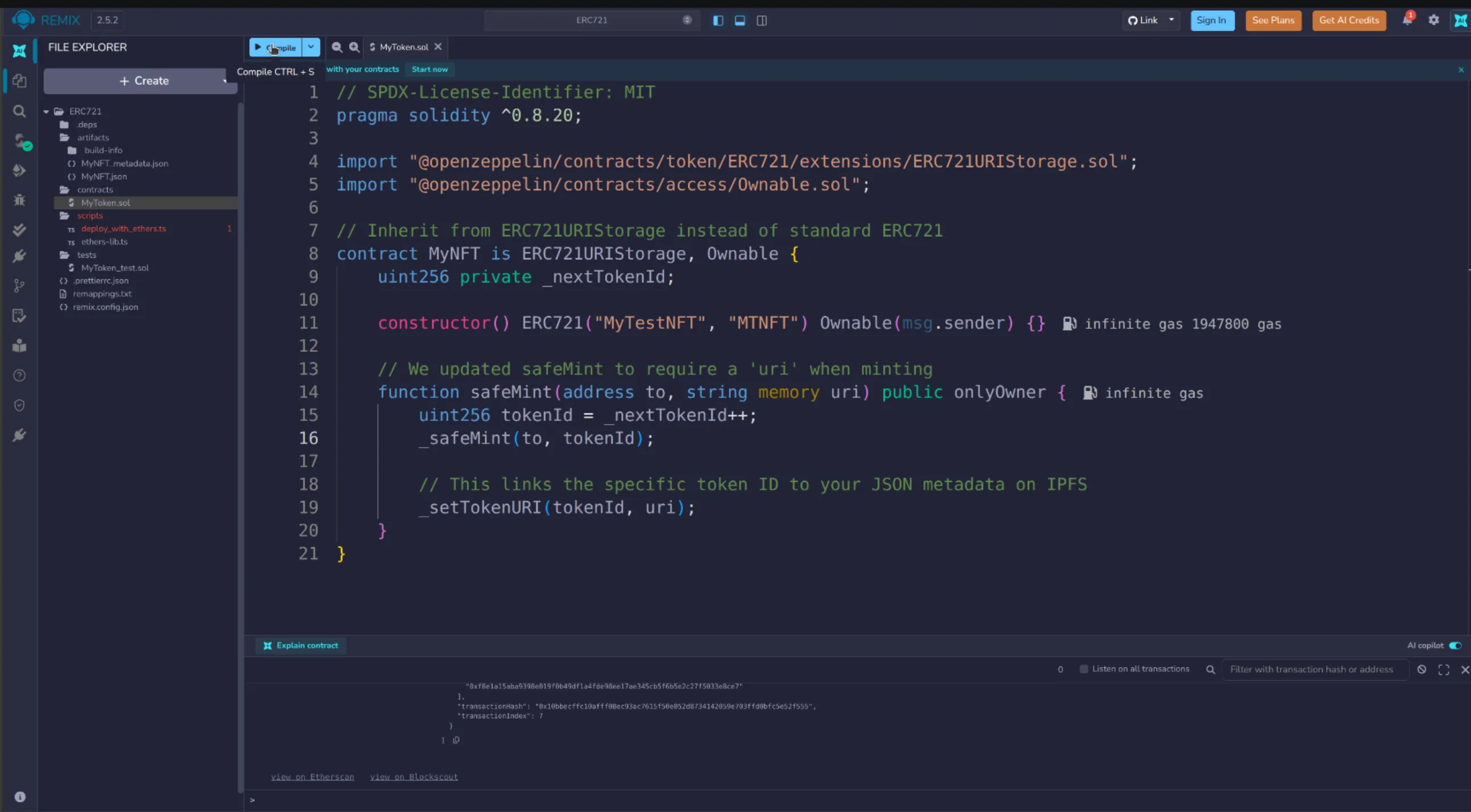
// SPDX-License-Identifier: MITpragma solidity ^0.8.20;
import "@openzeppelin/contracts/token/ERC721/extensions/ERC721URIStorage.sol";import "@openzeppelin/contracts/access/Ownable.sol";
// Inherit from ERC721URIStorage instead of standard ERC721contract MyNFT is ERC721URIStorage, Ownable {    uint256 private _nextTokenId;
    constructor() ERC721("MyTestNFT", "MTNFT") Ownable(msg.sender) {}
    // We updated safeMint to require a 'uri' when minting    function safeMint(address to, string memory uri) public onlyOwner {        uint256 tokenId = _nextTokenId++;        _safeMint(to, tokenId);
        // This links the specific token ID to your JSON metadata on IPFS        _setTokenURI(tokenId, uri);    }}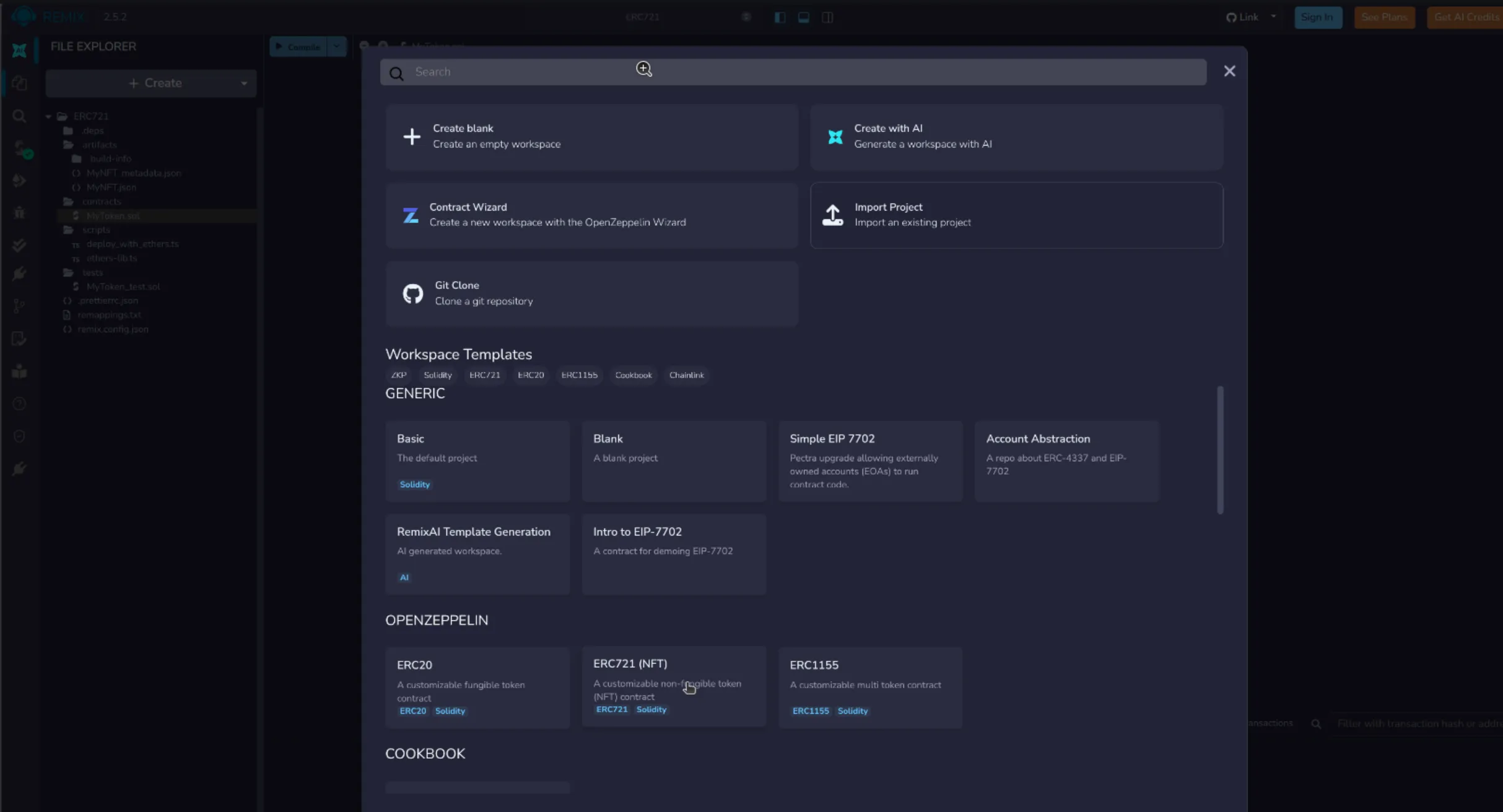
Step 5: Deploy and Mint
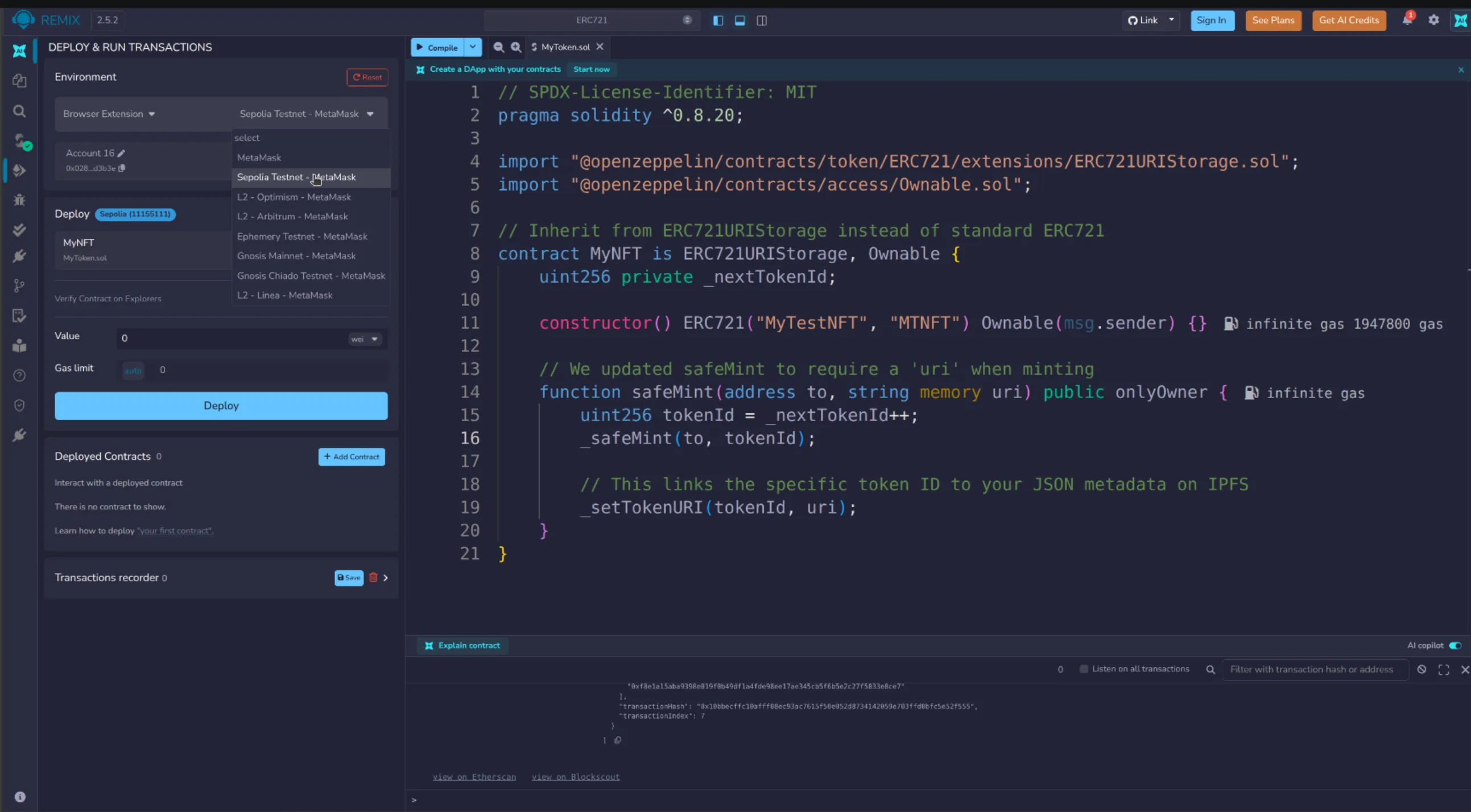
Section titled “Step 5: Deploy and Mint”- Re-compile and deploy this new contract in Remix exactly as you did before.
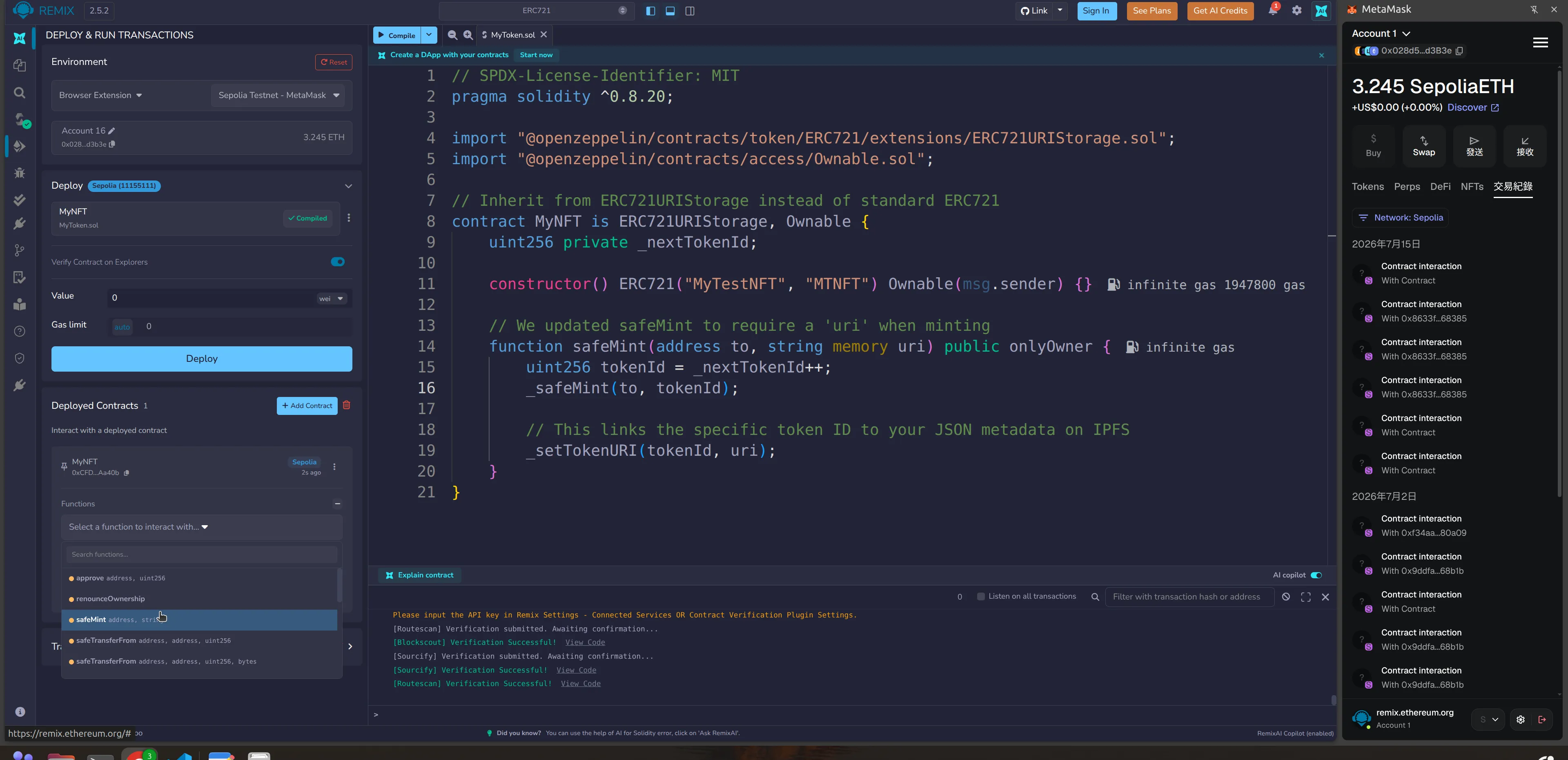
- Once deployed, open up the contract functions in the bottom left.
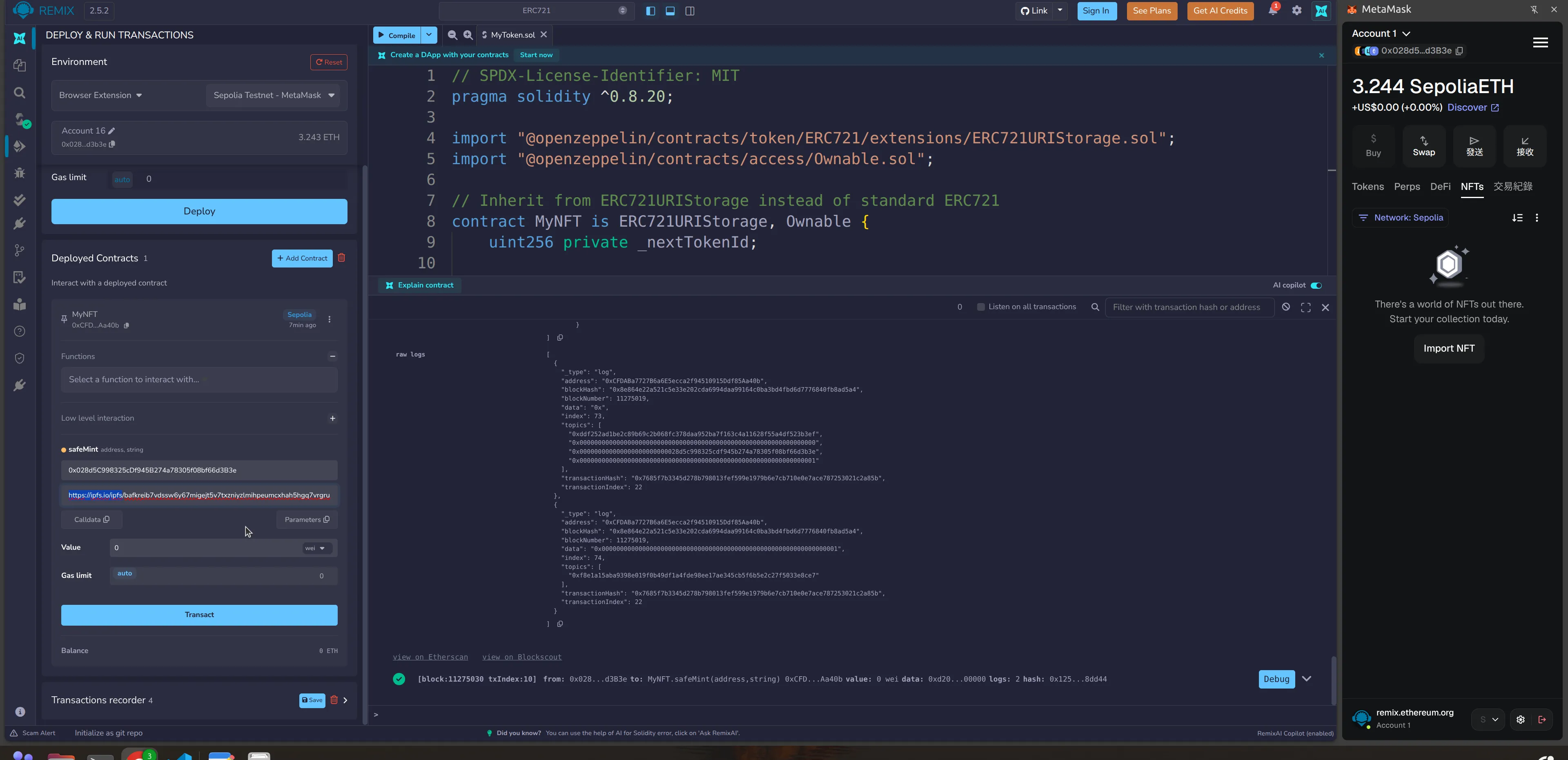
- Find the `safeMint` function. You will now see two boxes:
- to: Enter your wallet address.
- url: Paste your JSON IPFS link here (e.g.,
https://ipfs.io/ipfs/YOUR_JSON_CID).
- Click transact and confirm in MetaMask.
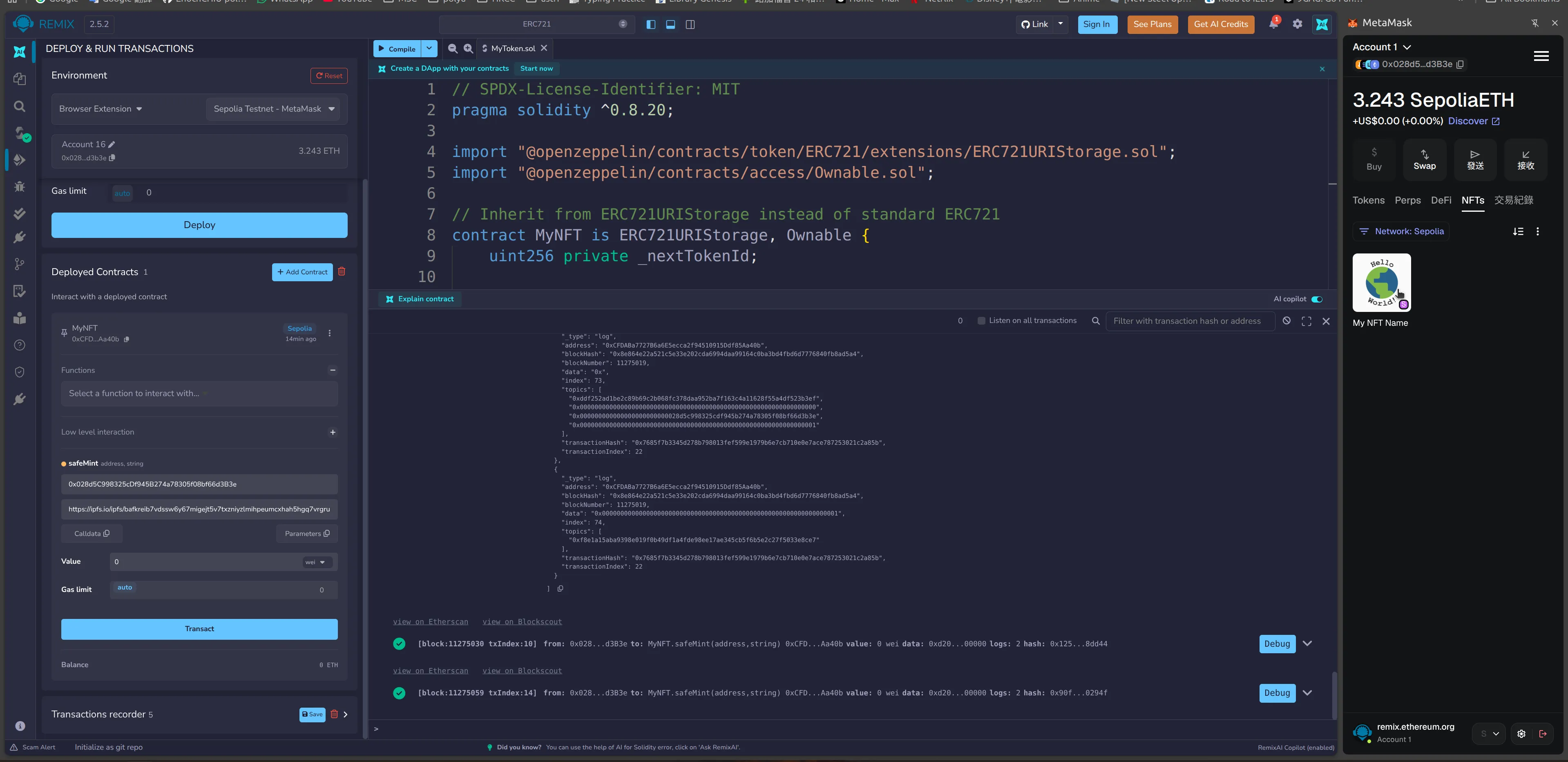
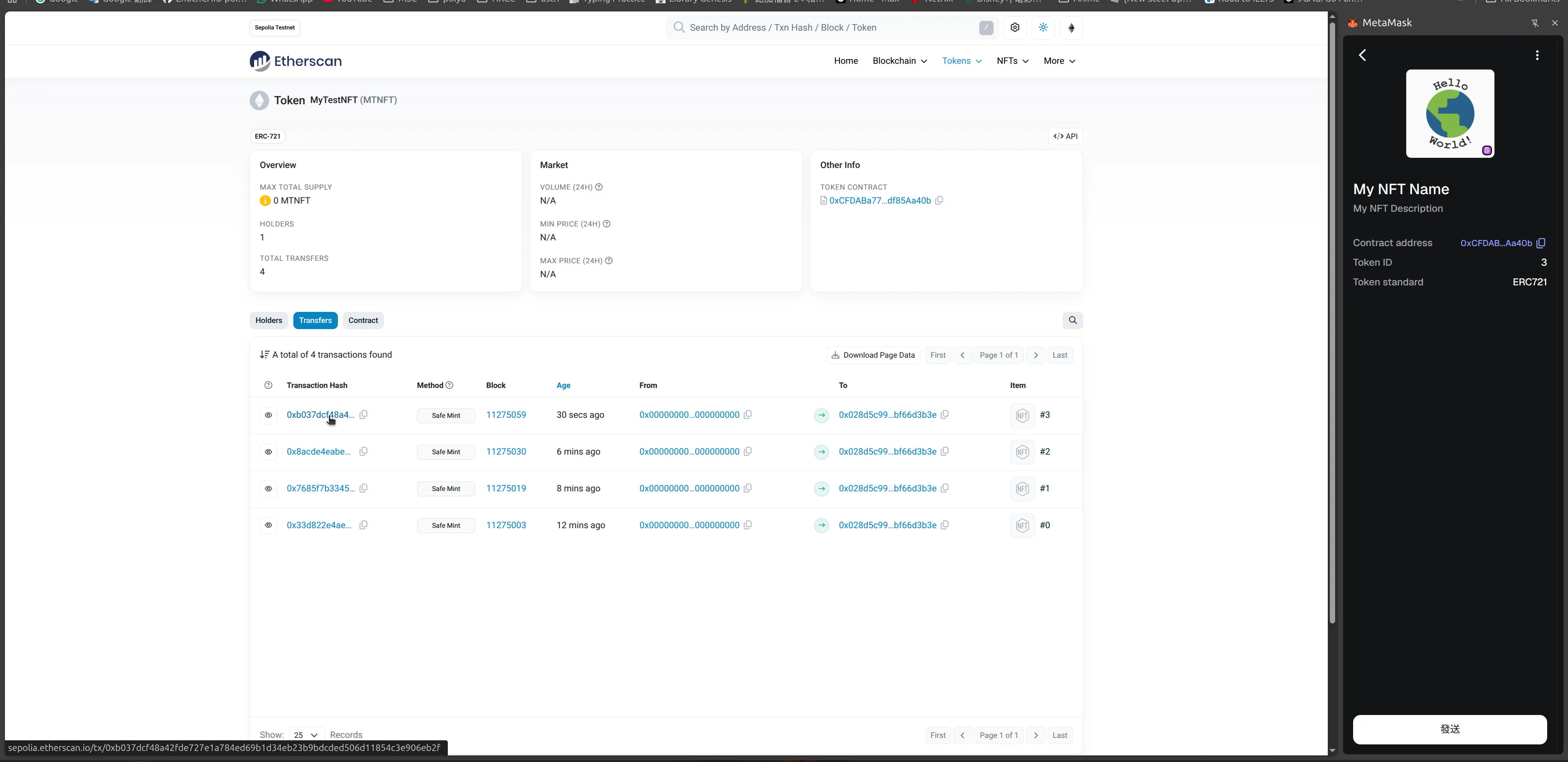
Once the transaction goes through, your testnet NFT will officially have a name, description, and image tied to it! If you go to a testnet marketplace like Testnets OpenSea and connect your wallet, your image will show up.